
You can view detailed information about a lab case after it has been created. To learn more, click the following links:
To view a lab case
1. In the Lab Case Manager, double-click the case that you want to view.
Tip: You can also right-click any case to display a list of options.
The Case Information dialog box appears.
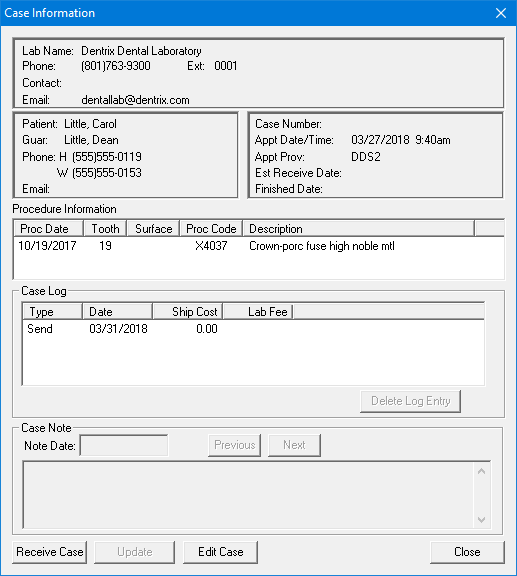
2. Click the appropriate button to delete a case log entry, view case notes, edit a case, receive a case, and update the case.
3. When you are finished, click Close.
To learn more on how to select the cases and the data displayed in the Lab Case Manager, click Setting up the Lab Case Manager view.